










Have you ever taken a photo with your smartphone and felt like it just didn’t capture the moment the way you wanted? You’re not alone! With the right mobile photography tips, you can transform your casual snapshots into stunning images that truly reflect your artistic vision. It’s all about learning how to improve smartphone photography by using your device’s features to their fullest potential.
Table of Contents
- Understanding Your Camera
- Composition Matters
- Lighting is Key
- Editing Your Photos
- Exploring Camera Apps
- Practicing Your Skills
Understanding Your Camera
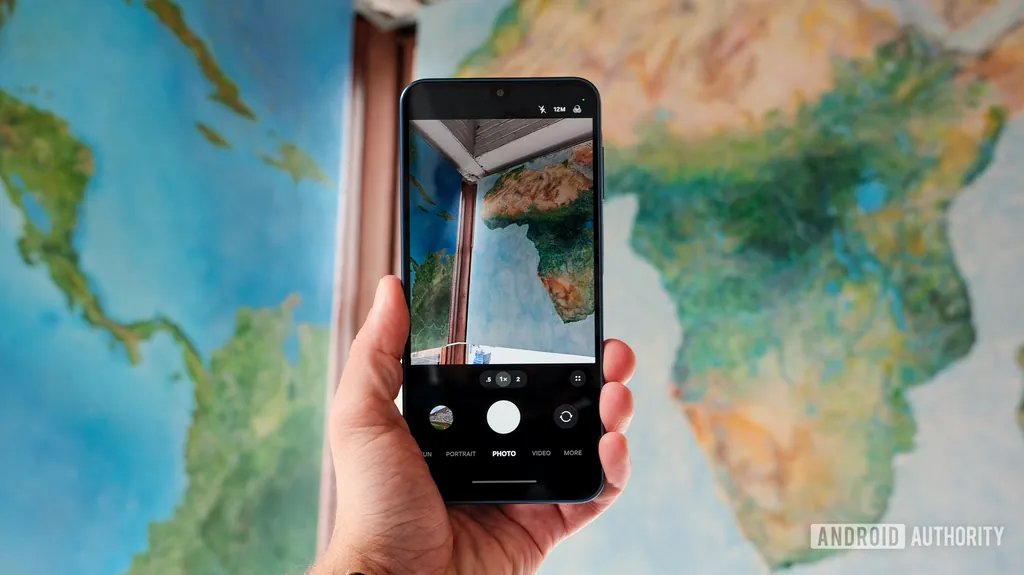
Before diving into taking photos, it’s crucial to understand your smartphone camera. Modern smartphones come packed with features that can help you take better shots. Spend some time exploring your camera settings. Adjusting the resolution, aspect ratio, and even the focus mode can make a significant difference.
Know Your Features
Familiarize yourself with your phone’s camera features. Most smartphones have modes like portrait, night, or macro. These modes can help in specific conditions, enhancing your photography experience. Whether you’re capturing a beautiful sunset or a close-up shot of a flower, knowing how to utilize these features is essential.
Composition Matters
Good composition can elevate your photos from ordinary to extraordinary. A simple rule to follow is the rule of thirds. Imagine your frame divided into nine equal parts by two vertical and two horizontal lines. Positioning your subject along these lines or at their intersections can create a more balanced and engaging photo.
Experiment with Angles
Don’t be afraid to change your perspective! Shoot from high above, get down low, or try different angles to find the best shot. This little adjustment can add a unique touch to your photos, making them stand out.
Lighting is Key
Lighting plays a crucial role in photography. Natural light is often the best option, so try to shoot during the golden hour—just after sunrise or before sunset. The soft, warm light at these times can make your images look professional.
Be Mindful of Shadows
Watch out for harsh shadows that can ruin a photo. If you’re shooting outdoors, take note of the sun’s position and how it affects your subject. If necessary, find a shaded area to capture your image without those unwanted shadows.
Editing Your Photos
Editing is a powerful tool that can help you refine your images. You don’t need to be a professional to enhance your photos. Simple adjustments like cropping, brightness, and contrast can make a big difference. Consider using popular editing apps like Snapseed or Lightroom, which are user-friendly and perfect for beginners.
Exploring Camera Apps
Sometimes, the built-in camera app may not offer all the features you need. This is where third-party camera apps come into play. Many of them provide advanced settings like manual focus, exposure adjustments, and more. Take the time to explore various camera apps to find one that suits your style.
Popular Camera Apps to Try
- ProCam – Offers manual controls for advanced users.
- VSCO – Great for editing and sharing.
- Open Camera – A free option with many features.
Practicing Your Skills
Like any other skill, photography improves with practice. Don’t hesitate to take your smartphone out and snap photos regularly. Experiment with different techniques, compositions, and lighting. Over time, you’ll start to see improvements in your skills and the quality of your images.
Remember, the difference between a snapshot and a professional-looking photo often comes down to how you use your smartphone. By applying these mobile photography tips, you can elevate your photography game and capture moments that truly resonate.
Frequently Asked Questions (FAQs)
What are some basic mobile photography tips?
Start by understanding your camera features, practicing good composition, and being mindful of lighting. Additionally, explore various camera apps that can enhance your photography experience.
How can I improve my smartphone photography?
To improve smartphone photography, familiarize yourself with your camera settings, practice frequently, and experiment with different angles and lighting conditions. Editing your photos can also help achieve a professional look.
Are there specific camera apps for better photos?
Yes! Apps like ProCam, VSCO, and Open Camera offer advanced features that can help you take better photos compared to the default camera app.
How important is lighting in photography?
Lighting is crucial in photography. Natural light, especially during the golden hour, can significantly enhance the quality of your photos. Be aware of shadows and try to capture images in well-lit conditions.
Can I edit my smartphone photos?
Absolutely! Editing can help improve your images. Use apps like Snapseed or Lightroom to adjust brightness, contrast, and other settings to enhance your photos.


