









The way we manage our Google accounts is about to get a little makeover, especially for those of you using Android apps. If you often find yourself juggling multiple accounts, you’ll be glad to hear that Google is working on a new Google account switcher interface that promises a more compact and user-friendly experience.
Table of Contents
- Current Google Account Switcher
- What Changes Are Coming?
- Benefits of the New UI
- How to Switch Google Accounts on Android
- Conclusion
Current Google Account Switcher
For those of us who use various Google services like Gmail, Drive, and Photos, switching between accounts is usually a breeze. You simply tap your user icon and see all your accounts lined up, ready for a quick switch. This interface has been a lifesaver for anyone needing to manage different roles, whether for work, school, or personal use.
As our reliance on digital tools grows, the importance of a seamless account management experience cannot be understated. Picture this: You’re in a meeting and need to access a specific document stored under your work account, but you accidentally log into your personal account. It’s a common scenario, and the current Google account switcher has made it relatively easy to rectify. However, it’s not without its quirks. Users often find the account icons cluttered, especially if they manage multiple Google accounts—be it for different jobs, family, or hobbies. This is where the need for an improved interface becomes apparent.
What Changes Are Coming?
Recently, some early signs of a new layout for the Google account switcher have surfaced. In a peek at Google Drive’s latest version, the new design looks more streamlined and compact, which means less scrolling and more efficiency. While the core functionality will remain unchanged, the visually appealing layout aims to enhance user experience.
One notable change is the reduction in the space each account occupies on the screen. The new interface will likely feature smaller icons or a more compact list view that allows users to see more accounts at once without having to endlessly scroll through. This adjustment is particularly crucial for heavy users, such as professionals who juggle multiple client accounts or educators managing several student profiles.
Moreover, this redesign aligns with Google’s broader commitment to enhancing user experience across its platforms. As Android evolves, so too do the expectations of its users. The company seems keen on creating an environment where switching accounts feels intuitive and efficient, minimizing the time lost in navigating through menus. It’s a small change that could make a significant impact on daily productivity.
Benefits of the New UI
Why should you care about this change? Here are some benefits:
- Less scrolling: A more compact interface means you won’t have to scroll endlessly through your accounts.
- Faster access: With accounts displayed more efficiently, you can switch accounts quicker than before.
- Consistent experience: Whether you’re in Gmail, Drive, or any other Google app, the switcher will offer a familiar interface.
Beyond these immediate advantages, the new Google account switcher interface is also likely to foster a more organized approach to account management. For example, users can categorize their accounts more effectively, potentially leading to better productivity. Imagine being able to visually differentiate between professional and personal accounts at a glance, allowing you to focus on what matters most at any given time.
Additionally, the streamlined design may also help reduce errors when switching accounts. A clear layout means less chance of accidentally accessing the wrong account, which can be both frustrating and time-consuming. For teams working in collaborative environments, this could significantly improve workflow efficiency, reducing the time spent troubleshooting account access issues.
How to Switch Google Accounts on Android
If you’re not sure how to switch Google accounts on Android, don’t worry! It’s quite simple:
- Open the Google app you want to use (like Gmail or Drive).
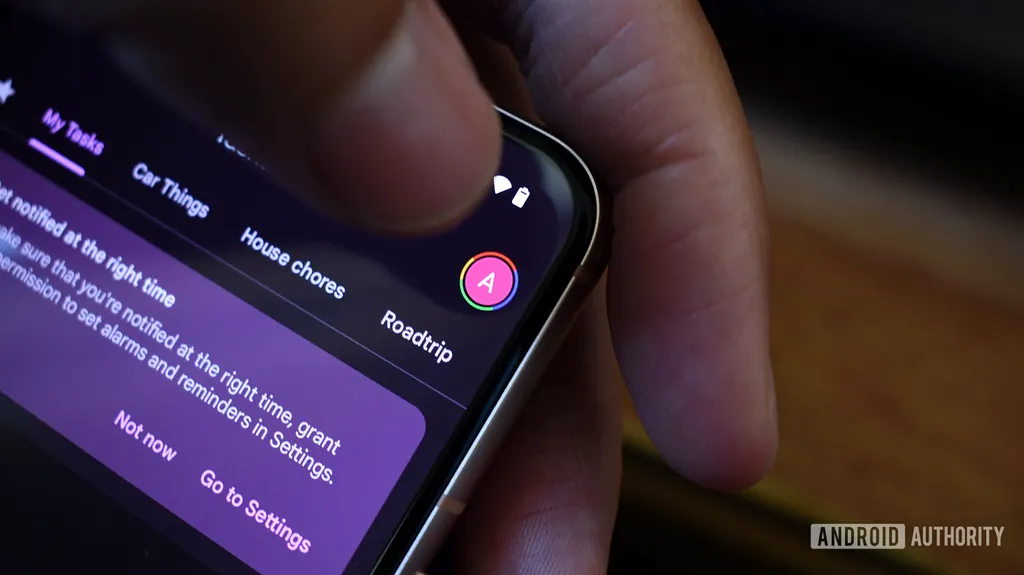
- Tap your profile icon in the upper right corner.
- Select the account you want to switch to from the list that appears.
- If you need to add a new account, tap on “Add another account” and follow the prompts.
This process will remain the same, even with the new interface. So, you can continue to manage your Google accounts without any hassle!
To further illustrate, consider this scenario: You’re using the Gmail app to check your emails for work, but you suddenly realize you need to send a quick message from your personal account. With the new switcher, you can quickly tap your profile icon, select the personal account without the cumbersome scrolling, and send your email in mere seconds. This kind of efficiency is what Google aims to provide with the upcoming changes.
Moreover, if you regularly switch between work and personal accounts, the familiarity of the process will remain intact, allowing for a smooth transition to the new interface. This consistency ensures that users won’t have to relearn how to navigate their accounts, which is often a point of contention during updates.
Conclusion
The upcoming changes to the Google account switcher are exciting for anyone who uses multiple accounts on their Android devices. With a more compact layout, you’ll be able to switch between accounts more easily and efficiently. Keep an eye out for this update in your apps!
For more information on this development, check out the original source here. And if you’re interested in how technology is evolving, you might find our article on AI Code Automation: How Your Enterprise Can Keep Up Today insightful!